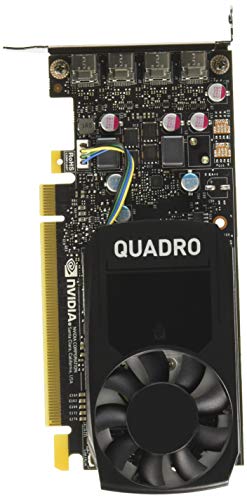
Check the exact card dimensions. Compare the exact card with the clearance left after fans or a radiator are installed. Check how many slots it occupies and leave room for the power cable.
Check the power supply connections. Check the card maker’s system power recommendation and the available PSU cables. Include any power supply or case upgrade in the price comparison.
Use tests at your resolution. Compare the games you play at matching settings, including ray tracing, upscaling, and frame generation. Check frame-time consistency alongside average frame rate.
Match memory and features to the workload. Check how much video memory your games or applications use at your settings. For streaming or production, verify encoder support and the display connections you need.